Day 1: Spot missing alt text on Santa’s photo feed
As part of your induction into the Department of Elfish Affairs (DEA), you've been assigned to Santa HQ to help with this year's festive accessibility review. With Christmas Eve fast approaching, the DEA must make sure every digital system the elves rely on is accessible to all users.
Today, you're assessing the new North Pole photo feed, which shows images captured during Santa’s test flights. The elves need your help checking whether these images are accessible, especially for people who use screen readers.
Your mission today
Check that every meaningful image has an appropriate text alternative.
Quick 5-minute check
- look at each image and decide whether it is meaningful or decorative
- for meaningful images, check they have clear, concise alt text
- for decorative images, check they use
alt="" - make sure any text shown inside an image appears as real text elsewhere
- icons used as links or buttons must have an accessible name
Examine the photo feed
Below is a simplified version of the North Pole photo feed. One image has a deliberate accessibility issue.
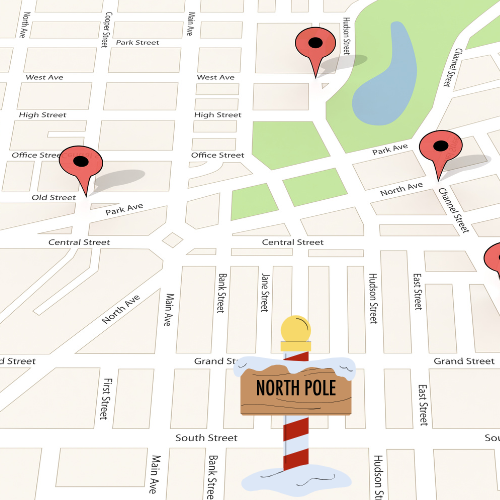
Show answer for Santa’s navigation map image

Show answer for reindeer close-up image
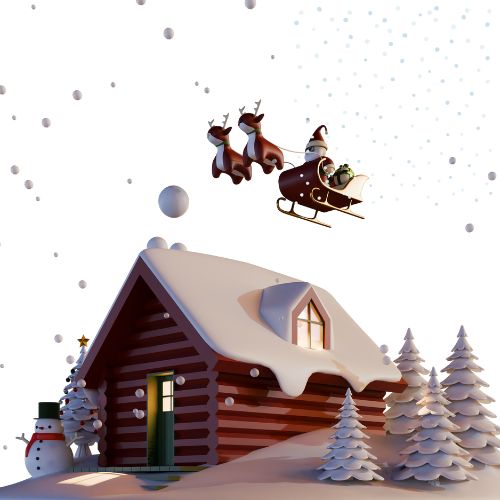
Show answer for sleigh flight image
alt="",
so it is ignored by screen readers.
What this checks for
1.1.1 non-text content (opens in a new tab) - meaningful images must have accessible alternatives.
Why this matters
Without alt text, people who are blind or have very low vision miss essential information.
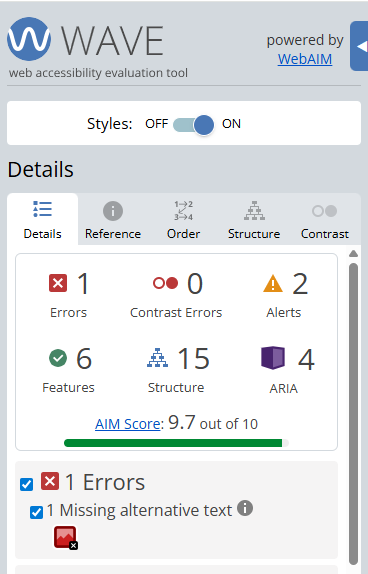
Finding this issue using the Web Accesibility Viewer for Elves (WAVE)
When WAVE is run on a page like this, it highlights images that are missing
alternative text or have empty alt attributes.
This can help you find potential problems quickly, but it is still important to review each image yourself and decide whether the text alternative makes sense for the information being shown.
Bonus challenge
Compare what you noticed visually with what WAVE or a screen reader reports. Do they highlight the same issue?